
Instagram collaborations are a powerful way to expand your reach and connect with new audiences. This feature allows two accounts to co-author a single post or Reel, sharing it with both of their followers.
For creators in communities like Australia Experiences, collaborations are essential for partnering with brands and fellow influencers. This guide will walk you through everything you need to know about how to accept collaborator request Instagram and making the most of this feature.
Key Insights
Instagram collaborations allow two accounts to co-author one post or Reel, instantly expanding reach by sharing engagement across both audiences.
Accepting a collaboration request only takes a few taps, and once approved, the post appears on your grid with shared likes, comments, and views.
This feature helps creators build credibility, form partnerships, and grow faster than posting alone.
Communities like Australia Experiences make it easier to find relevant collab partners from 100+ brands and 20,000+ engaged experience seekers across Australia.
- Clear steps to review, accept, or decline collaboration invites.
- Shared engagement = stronger visibility and social proof.
- Troubleshooting checklist for missing or blocked collab invites.
- Australia Experiences supports creators in forming meaningful partnerships.
What Is a Collaborator Request on Instagram?
An Instagram collaborator request is an invitation to co-author a post or Reel. When someone sends you a request, they are asking you to be listed as another author on their content.
If you accept, the post will appear on your profile grid and in your followers’ feeds, just as if you had posted it yourself. All the engagement, including likes, comments, and views, will be shared between both accounts.
How to Accept a Collaborator Request on Instagram
Accepting a collaborator request is a simple process, but you need to know where to look. The invitation will arrive as a notification, and you can approve it in just a few taps. Here is how you can do it.
Step 1: Locate the Invitation You can find the collaboration request in two places:
- Direct Messages: Check your DMs for a message from the inviting user.
- Notifications: Look for the request in your activity feed (the heart icon).
Step 2: Review the Post Open the message or notification and tap “View Request” or “Review.” This will allow you to preview the post’s content.
Step 3: Accept the Collaboration If you approve the post, tap the “Accept” button. The post will then be shared with your followers and simultaneously added to your own profile grid as a collaborative post.
How to Accept a Collaborator Request on Instagram
Troubleshooting: Can’t See or Accept a Collaborator Request?
Sometimes you might run into issues with collaboration requests. You might not see the notification, or the option to accept might be missing. Here are a few common reasons why this happens and how you can fix them.
1. Check Your App Version
The collaboration feature is only available on recent versions of Instagram. If you are using an outdated app, you may not be able to see or accept requests. Go to the App Store or Google Play Store and check if there is an update available for Instagram.
2. Ensure Your Account Is Public
The collaboration feature is designed for public accounts. While some private accounts may be able to send invitations, receiving and accepting them can be unreliable. If you are a creator or business, your account should be public to take full advantage of features like this.
3. Check Message Requests or Hidden Requests
Sometimes, collaborator invitations do not show up as direct notifications. They can end up in your message requests, especially if you do not follow the person who sent the invitation. Check your direct messages and look for a “Requests” folder. The invitation might be waiting there.
4. Check Eligibility (e.g., Professional or Creator Account)
Instagram often rolls out new features to Professional or Creator accounts first. If you have a standard personal account, you might not have access to the collaboration feature. You can easily switch to a Creator or Business account in your settings. This often unlocks additional features, including analytics and more robust collaboration tools.
Tips to Make the Most of Instagram Collaborations
Accepting a request is just the first step. To truly benefit from collaborations, you need a good strategy. Here are a few tips to help you maximize your results and build meaningful partnerships.
Choose Collab Partners Aligned With Your Niche
Work with creators or brands whose audience is similar to yours. A good partnership feels natural and provides value to both sets of followers. If your content is about travel, collaborating with a hotel or a travel gear company makes sense.
Use Engaging Captions and CTAs
The caption is a shared space, so make it count. Write a caption that speaks to both audiences and encourages them to engage. Ask questions, invite comments, and include a clear call-to-action (CTA) that tells followers what to do next.
Tag Location and Add Hashtags for Better Reach
Use all the tools Instagram gives you to increase visibility. Tag a relevant location to attract local audiences. Use a mix of broad and niche hashtags to help new users discover your post. This will help your collaborative content reach beyond your existing followers.
Post at Optimal Engagement Times
Coordinate with your collaborator to post at a time when both of your audiences are most active. You can find this information in your Instagram Insights. Posting at an optimal time can give your content an initial boost and improve its performance in the long run.
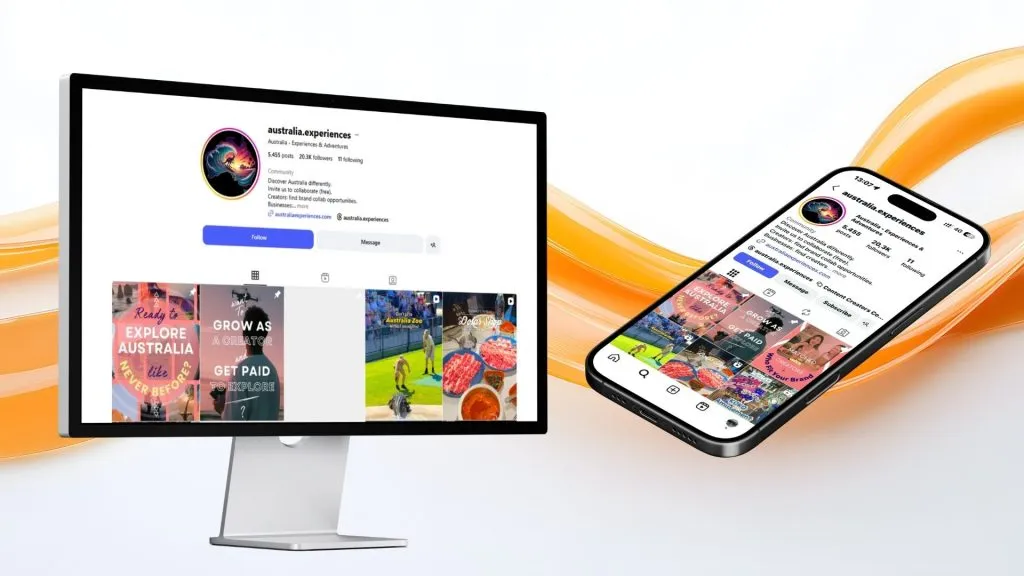
For example, Australia Experiences creators often collaborate with local brands to boost visibility and community engagement.
Join the Australia Experiences community to find collaboration opportunities with over 100+ brands and 20K+ creators across Australia.
How to Accept Collaborator Request Instagram
Conclusion
Instagram collaborations offer a fantastic opportunity for growth. They allow you to cross-promote your content, reach new audiences, and build stronger relationships within your niche. By following these steps, you can confidently accept and manage collaborator requests.
Remember to choose your partners wisely and create content that benefits everyone involved. With the right approach, collaborations can become a key part of your social media strategy. If you want to connect with more creators and brands, consider joining a community like Australia Experiences to find your next partner.